
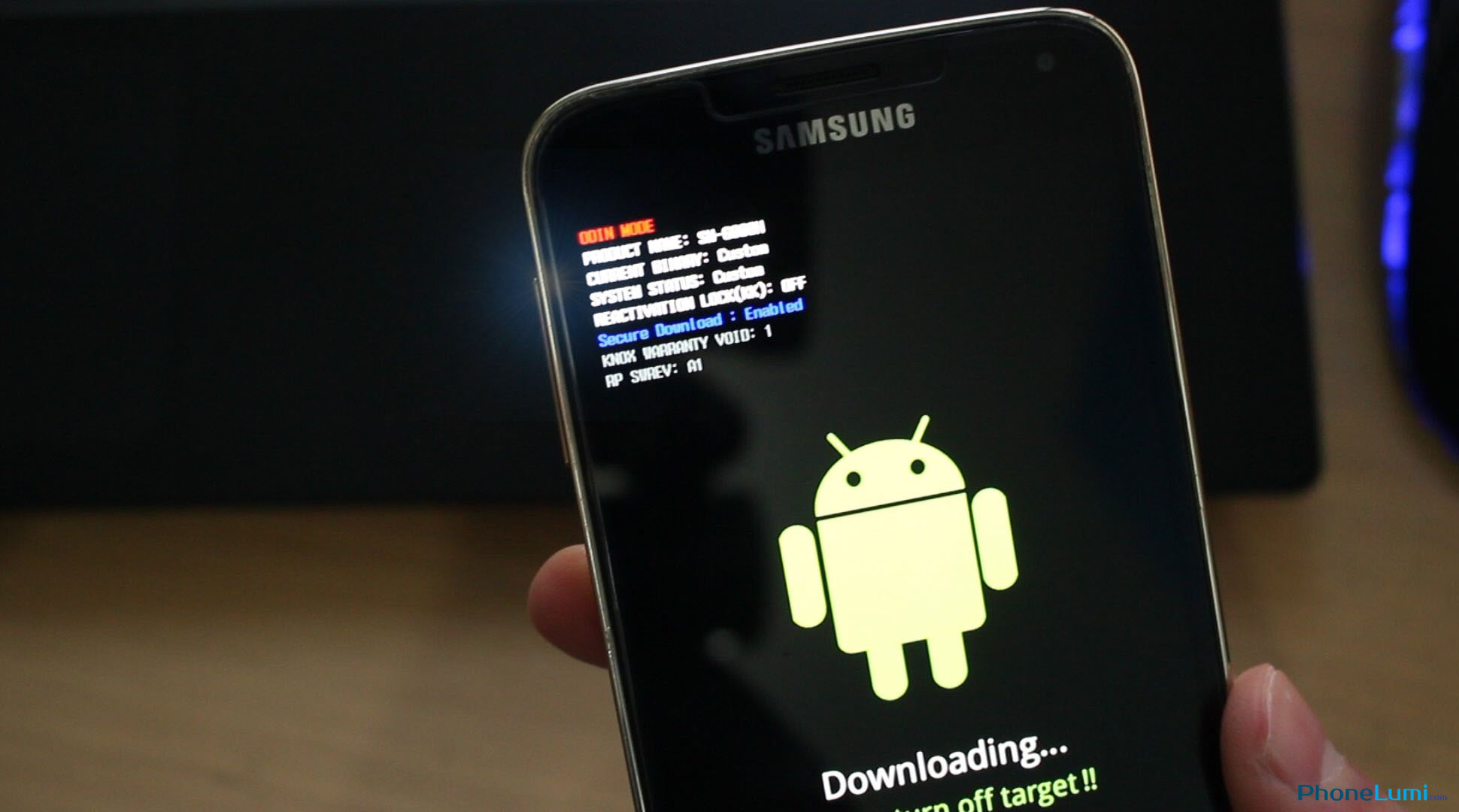
Odin is the official Samsung flashing software used to install Stock ROMs, Custom ROMs, recoveries (TWRP), or root packages on Galaxy devices. If your Samsung phone is stuck on a boot loop, runs slowly, or needs to be updated manually, Odin is the tool you need. It’s a lightweight and reliable Windows utility designed specifically for Samsung smartphones and tablets.
What is Odin?
Odin is an internal Samsung service tool that leaked to the public years ago and became the standard solution for flashing firmware. It allows users to install .tar or .tar.md5 firmware packages directly onto their device. Technicians and developers use Odin to unbrick devices, downgrade firmware, or return phones to factory condition.
Key Features:
- Flash official Samsung firmware (Stock ROMs).
- Install recovery images (TWRP, CWM).
- Flash custom kernels or root files (Magisk).
- Downgrade or upgrade Android versions manually.
- Recover soft-bricked Samsung devices.
How to Use Odin:
- Download Odin and extract the ZIP file on your PC.
- Install Samsung USB Drivers for proper device detection.
- Boot your phone into Download Mode (Power + Volume Down + Home/Bixby).
- Connect the device to your computer using a USB cable.
- Odin will show a blue COM port if the device is detected.
- Click on the appropriate buttons:
- BL: Bootloader file
- AP: System image (main firmware)
- CP: Modem
- CSC: Country/region file
- Make sure Auto Reboot and F. Reset Time are checked.
- Press Start and wait until the message “PASS” appears in green.
Important Notes:
- Always use the correct firmware for your exact model (e.g., SM-A156E, SM-M536B).
- Flashing with Odin may erase your data — backup your files first.
- Use the latest version of Odin for better compatibility.
- Works only on Windows PC (not macOS or Linux).
Download Odin (All Versions):
Conclusion:
Odin is an essential tool for every Samsung user who wants full control over their device’s firmware. Whether you need to restore your phone, install updates manually, or experiment with custom ROMs, Odin makes the process fast, stable, and safe when used properly.